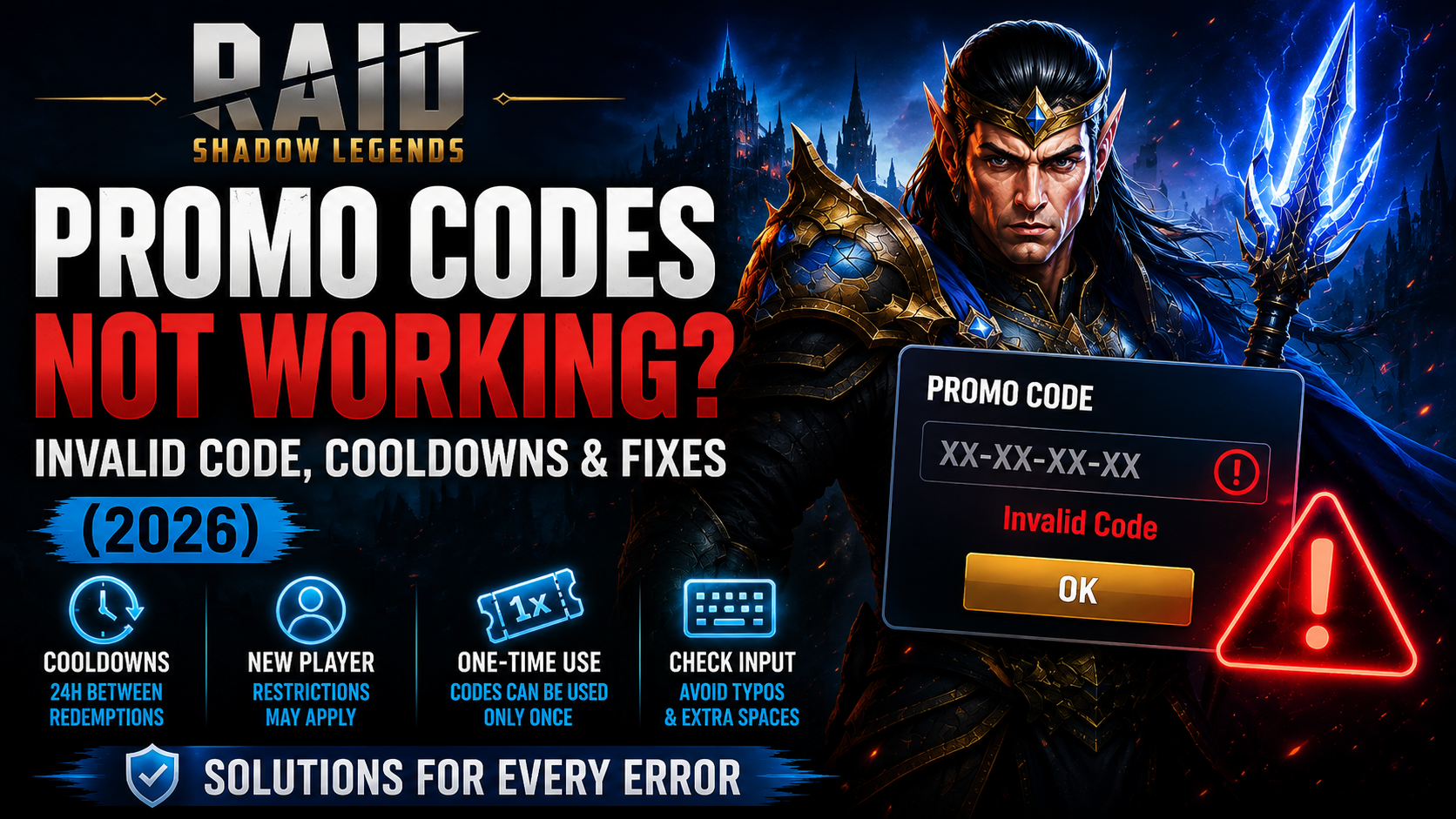
Promo codes for RAID: Shadow Legends can be a quick way to snag rewards, but they aren’t always straightforward. In 2026, codes can be time-limited, may be restricted to new players, and activate their bonuses only once. Understanding the rules and how Plarium delivers rewards can save you time and frustration.
This guide takes you through common errors and practical fixes, with an emphasis on official guidance. It also covers platform differences (notably iOS limitations), cooldowns, and where to find your rewards after a successful redemption. If you want broader context, see our internal RAID resources on promo codes and beginner guidance as you troubleshoot.
1) Quick check: Is this code valid for your situation?
Before troubleshooting in depth, confirm the basics. Promo codes can be time-limited and some are restricted to new players. A code also activates its bonus only once. Check that the code hasn’t expired and that you meet any eligibility criteria set by the promotion.
2) Common errors and what they mean
Invalid or expired codes usually indicate the promo is no longer active, is region-restricted, or has additional eligibility rules. If the code appears valid but won’t activate, re-check your eligibility and remember the one-time-use rule.
3) Redemption cadence: cooldowns and limits
After a successful redemption, you must wait 24 hours before using another code. There is also a maximum of 5 redemption attempts per hour. If you hit these limits, wait and try again later.
4) Platform and device considerations
Plarium notes that in-game promo-code redemption is not available on iOS. If you’re on iOS, use web redemption or another supported platform. Rewards are delivered to your Inbox after a successful redemption.
5) Common user mistakes when entering codes
Be careful with typing and copy/paste: double-check characters, avoid leading or trailing spaces, and use the exact code string from the source. Small mistakes can cause a code to fail.
6) Where to look for rewards after successful redemption
Rewards appear in your in-game Inbox once a code is redeemed successfully, per official guidance.
7) Step-by-step troubleshooting checklist
Use this ordered checklist to diagnose and resolve issues:
- Verify the code status (active, not expired, eligible for new players if applicable).
- Check your eligibility for the promotion and that you haven’t already redeemed it.
- Confirm you’re using a supported platform (note iOS restrictions) and try on a web platform if needed.
- Re-enter the code carefully (avoid typos and extra spaces) or copy it from a reliable source.
- If you’ve recently redeemed another code, wait up to 24 hours before trying again.
- Respect the hourly limit (up to 5 attempts per hour) and avoid rapid repeated submissions.
- Check your Inbox for rewards after a successful redemption.
8) When to seek further help
If issues persist after following the checklist, consult our RAID promo codes guide and related guides for broader context, and consider reaching out to support through official channels for assistance.
9) Related reading
Internal resources for deeper context: RAID promo codes guide, RAID beginner guide, best starter champion guide, RAID game page.